Smart locators with Apple Find My support

Finding your wallet and keys has never been easier. With FIXED smart locators that are compatible with the Apple Find My network, you will always be in control of your belongings. Millions of iOS device users around the world will help you with this. Just add your Tag to the app and everything else is a piece of cake.
How to do it?

Dual locators for Android and iOS phones

The new FIXED MiCard Pro and FIXED LiTag locators are compatible not only with the Apple Find My application, but also with the native Google application Googe Find Hub. FIXED smart locators use Bluetooth Low Energy (BLE) technology and are connected to the Google Find Hub network. Once the locator is within range of any Android device with the Find Hub service active, its location is updated securely and anonymously .

1. Add your device to Find My

Have you purchased a new Tag?
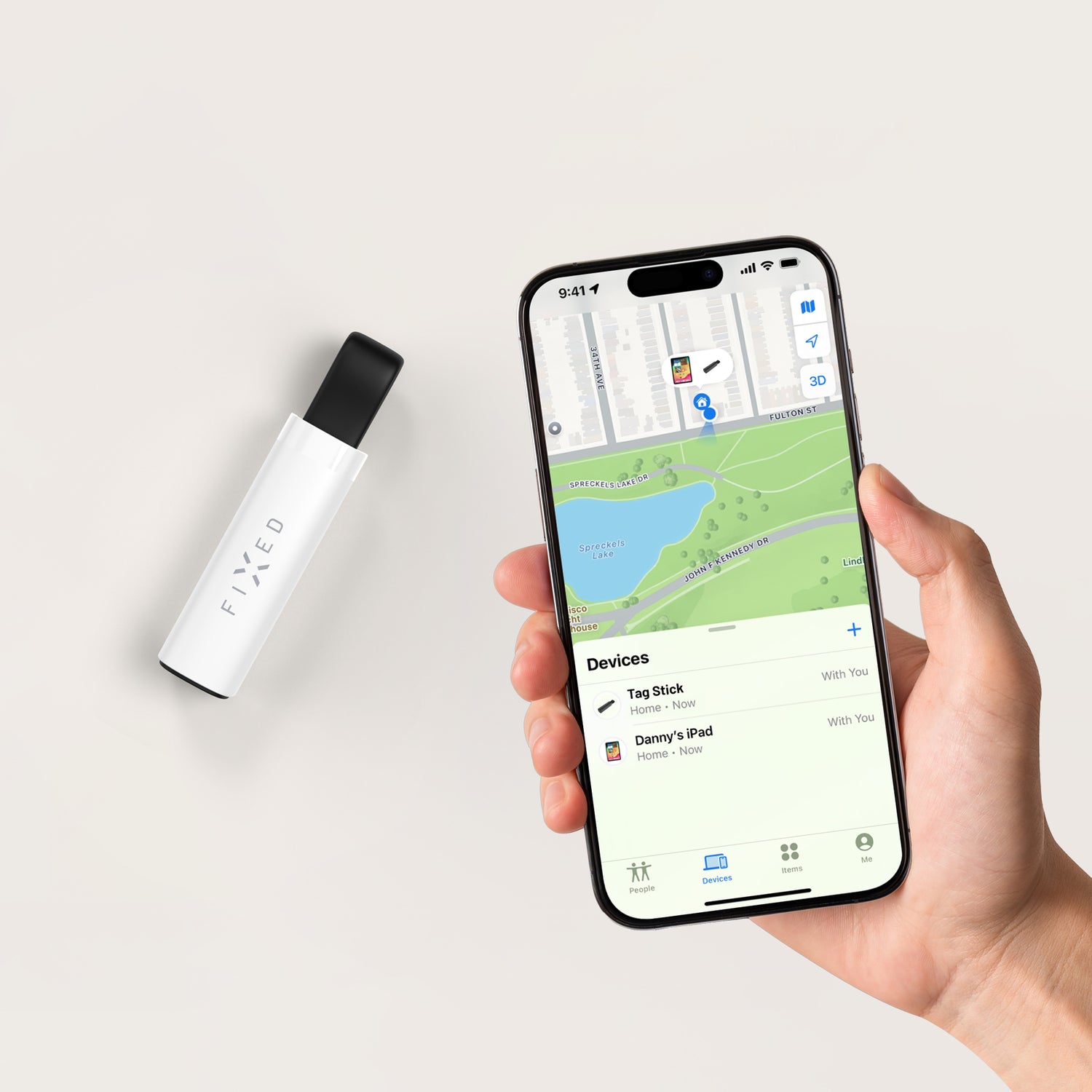
Add it to the Find My app. Just long press the button and the app will find it by itself.

Then all you have to do is name the Tag and add an icon to it so that you can easily recognize it on the map.

How does the search work? The tag automatically reports with its secure Bluetooth signal to all devices that use the iOS operating system. The data is subsequently stored in iCloud, from where it is written to the map in the application.

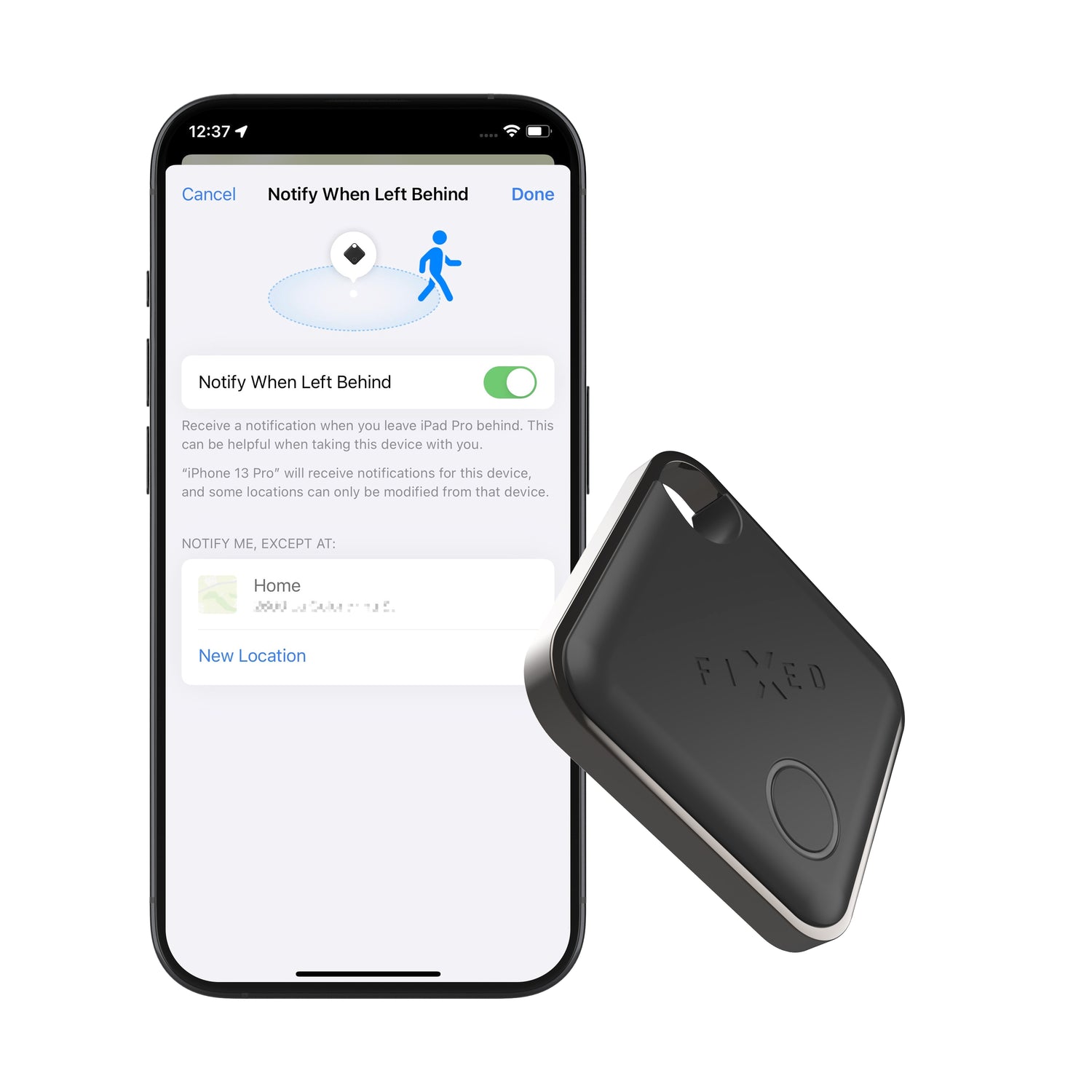
2. Set up notifications

You can easily set specific notifications for each Tag.

  • For a specific tag, open its detail.
  • You activate the warning/security notification option.
  • Your phone will then notify you with a push notification.
  • The tag can also be rung thanks to the sound signal.

The system works on the basis of:

  • Bluetooth distances (when you move away),
  • or location updates via the Android device network.

Notifications are tied to your Google account and appear directly in your phone's system - no additional app is needed.

The tag can also be reported as lost, which will automatically show the finder a personalized message with your contact information.
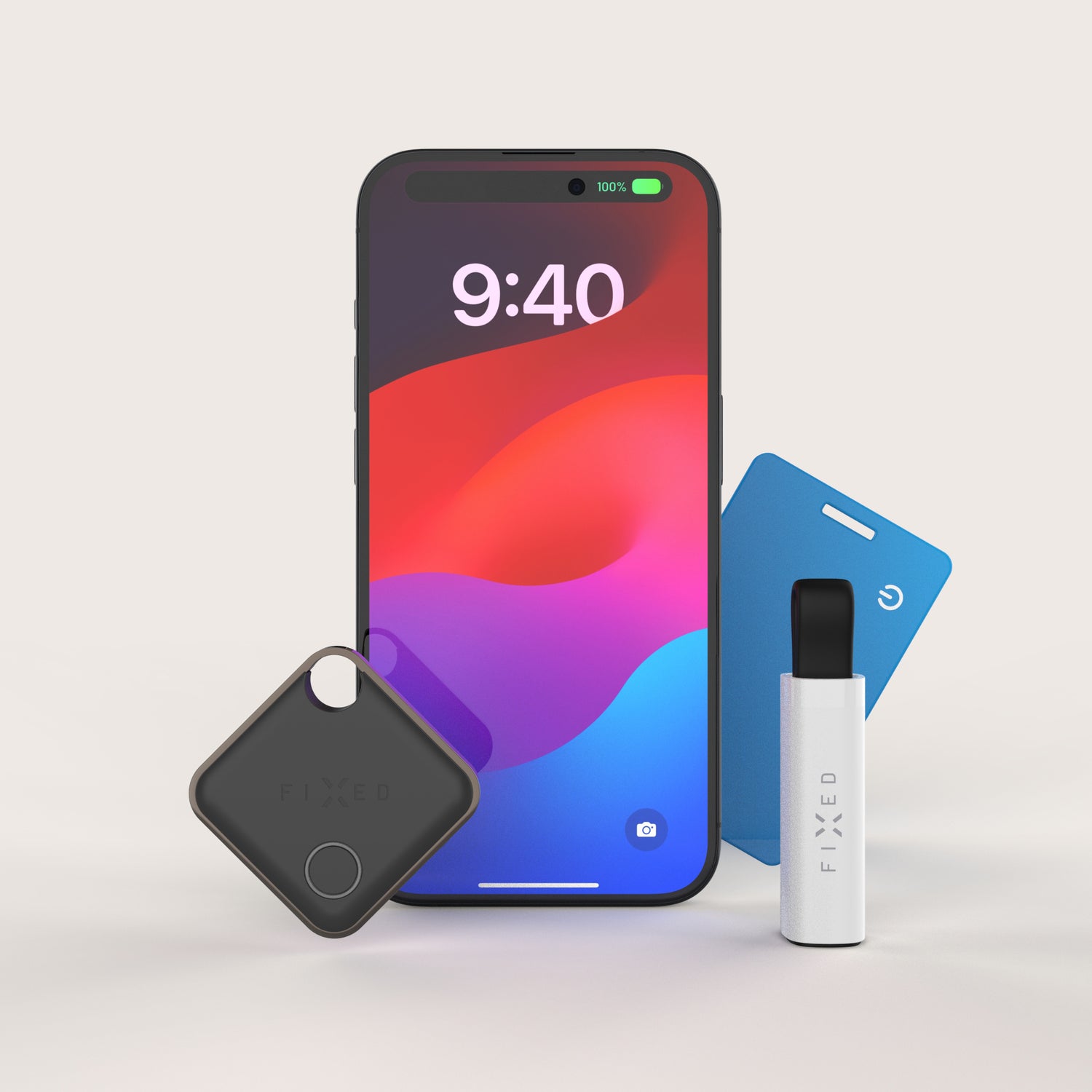
3. Unlimited number of tags

Google Find Hub allows you to add multiple locators to one Google account.

In practice, this means that you can monitor:

  • keys,
  • wallet,
  • backpack,
  • luggage,
  • work technique,
  • or perhaps the things of the whole family.

The number is not limited to one - the user can have multiple compatible locators connected simultaneously within their Google account.

Each tag is displayed separately on the map and can be individually named.

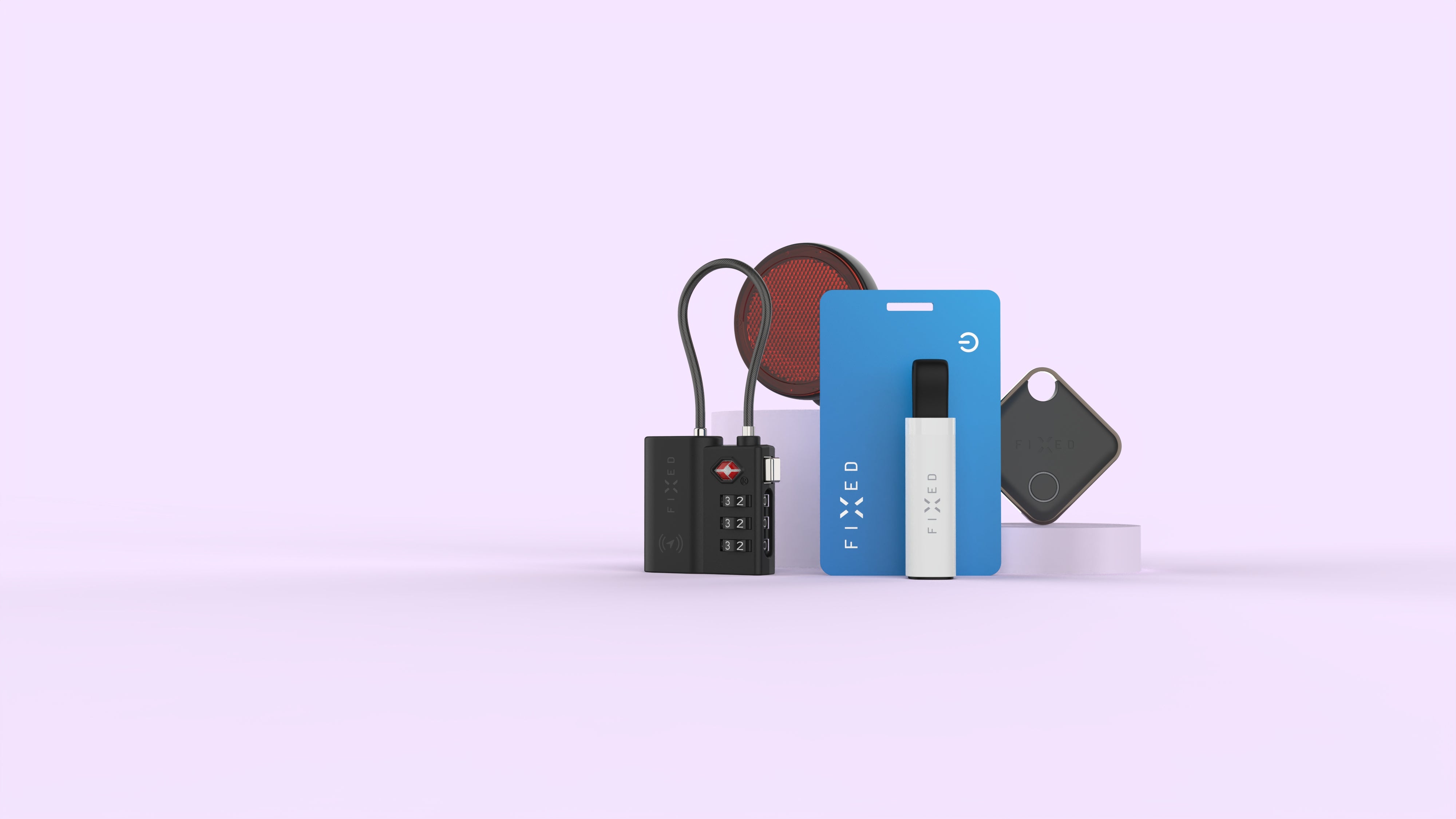
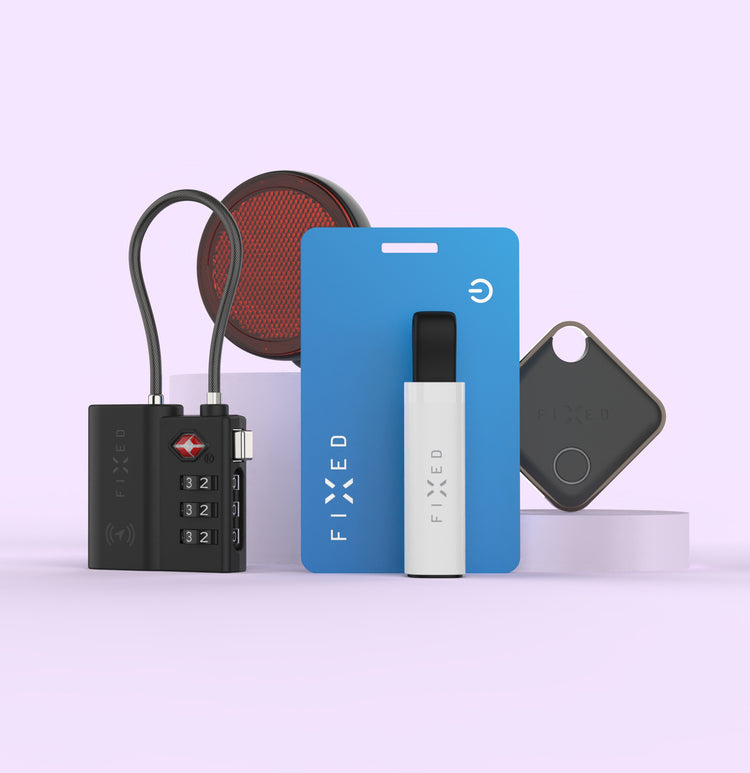
  • FIXED Tag

    The ideal companion for guarding and searching for keys, backpacks and other objects, just fasten with a carabiner and your valuables are protected.

    The tag is made of hardened materials and you don't have to worry about moisture with IP66 certification. The battery lasts up to 12 months and can be easily replaced, so one device will last you for many years.

    MORE ABOUT TAG
  • FIXED Tag Card 2

    A smart locator in the shape of a credit card, it fits perfectly into a wallet, purse or other luggage, which is then always guarded.

    The Tag Card can be charged wirelessly, one charge lasts up to 3 months. The durable processing of the card made of hardened plastic and the IP67 certification protect the card from moisture and dust.

    MORE ABOUT TAG CARD
  • FIXED Tag Reflector

    He'll look after your bike and no one will even know he's there. This smart locator has the form of a classic bicycle rear reflector. Pair it with the Apple Find My app and you'll always have an overview of where your bike is.

    Thanks to the IP67 standard, which guarantees resistance to dust and water, you don't have to worry about riding your bike in any weather.

    MORE ABOUT TAG REFLECTOR
  • FIXED Tag Lock

    This smart locator takes the form of a travel lock with a steel cable and dial, so you won't be able to tell it apart from a regular lock at first glance .

    Like a proper lock, it will also thoroughly secure your luggage. It lasts 3 months on a single charge, boasts IPX4 resistance, and is compatible with airport security checks worldwide.

    More about Tag Lock
  • FIXED Tag Stick

    At first glance, it resembles a small USB flash drive and is guaranteed not to get in your way.

    It's a great keeper for your keys, purse, backpack, and any other valuables that can be attached to a strap.
    It lasts for 3 months on a single charge and can be easily recharged via USB-C.

    More about Tag Stick

1. Add your device to Find My

Did you get a new Tag? Add it to the Find My app. Just long-press the button and the app will find it.

Then you just need to name the Tag and add an icon to it so you can easily recognize it on the map.

How does the search work? The tag automatically reports its secure Bluetooth signal to all devices that use the iOS operating system. The data is then stored in iCloud , from where it is copied to the map in the application.

How to add a locator to the Find app

2. Set up notifications

You can easily set specific notifications for each Tag.

Do you want your phone to alert you that you left your wallet somewhere, but you don't want it to happen every time you run out of the apartment with the trash? You can also set a notification that the Tag is moving away from you.

The application has various options to personalize notifications.

Looking for a Tag somewhere near you, but can't see it? In the application, you select the "ring" option and the Tag will call you.

The tag can also be reported as lost, so the finder will automatically show you a personalized message with a contact.

3. Unlimited number of devices

It doesn't matter how many of your valuables you want to guard.

Add an unlimited number of Tags for each of your valuables.

Plus, you can share the location of each Tag with up to five people.

Guard your belongings without fear of your privacy. Of course, all data is secure, all your data is anonymous, the data of users who have recorded the Tag in their surroundings are also anonymous, and the data is not stored anywhere.

How to use smart locators?